

SATONIC V3.0 Blind Spot Alarm System with Ambient LED Light for Tesla Model Y Model 3 Highland 2026 Y Juniper Center Console BSD


SATONIC V3.0 Blind Spot Alarm System with Ambient LED Light for Tesla Model Y Model 3 Highland 2026 Y Juniper Center Console BSD
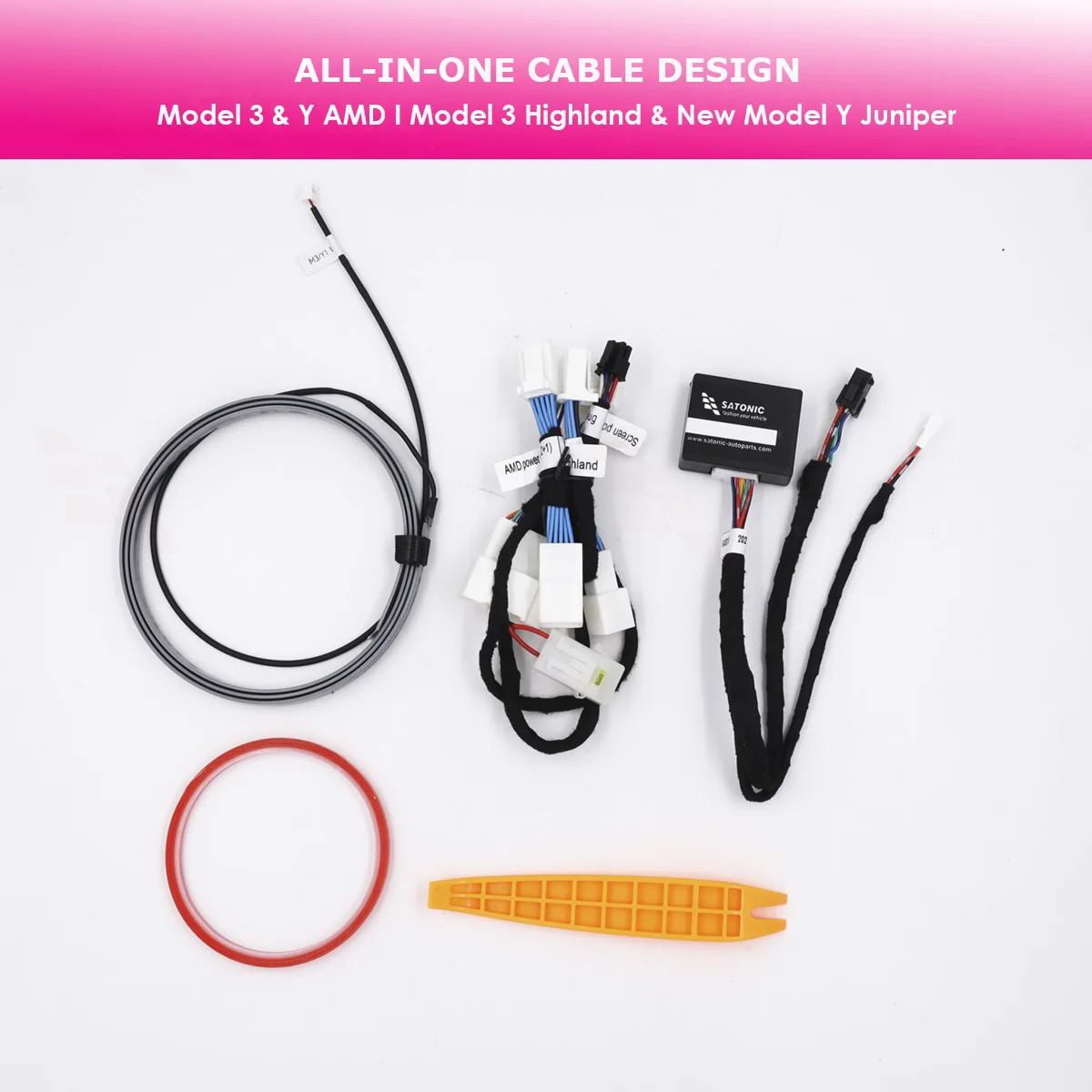
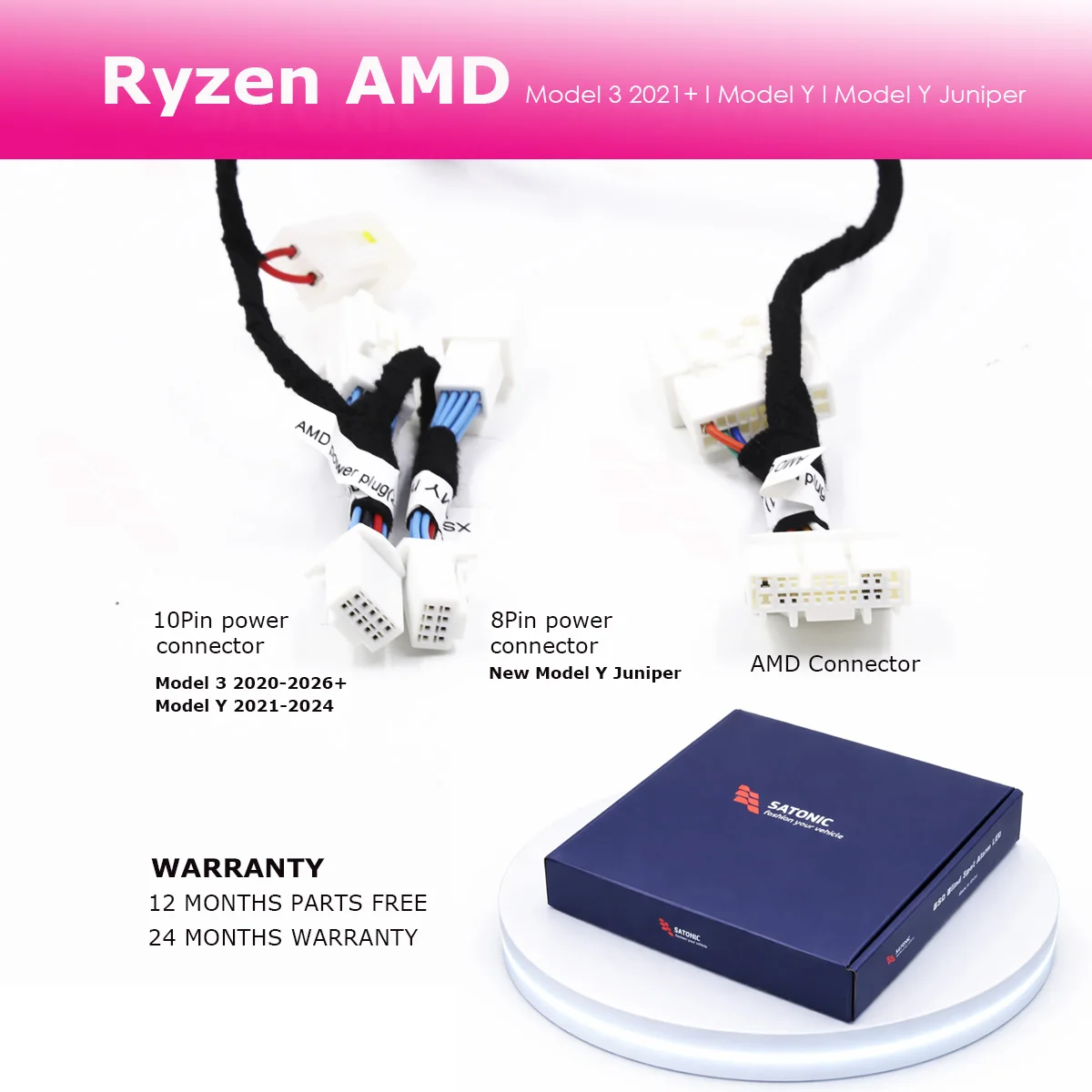
SATONIC BSD Alarm LED Light for Tesla New Model Y Juniper, Model Y, Model 3, Model 3 Highland
SATONIC V2.0 BSD has upgraded on led strip length into 1.2M, make sure that All Model 3 and Model Y can be compatiable with
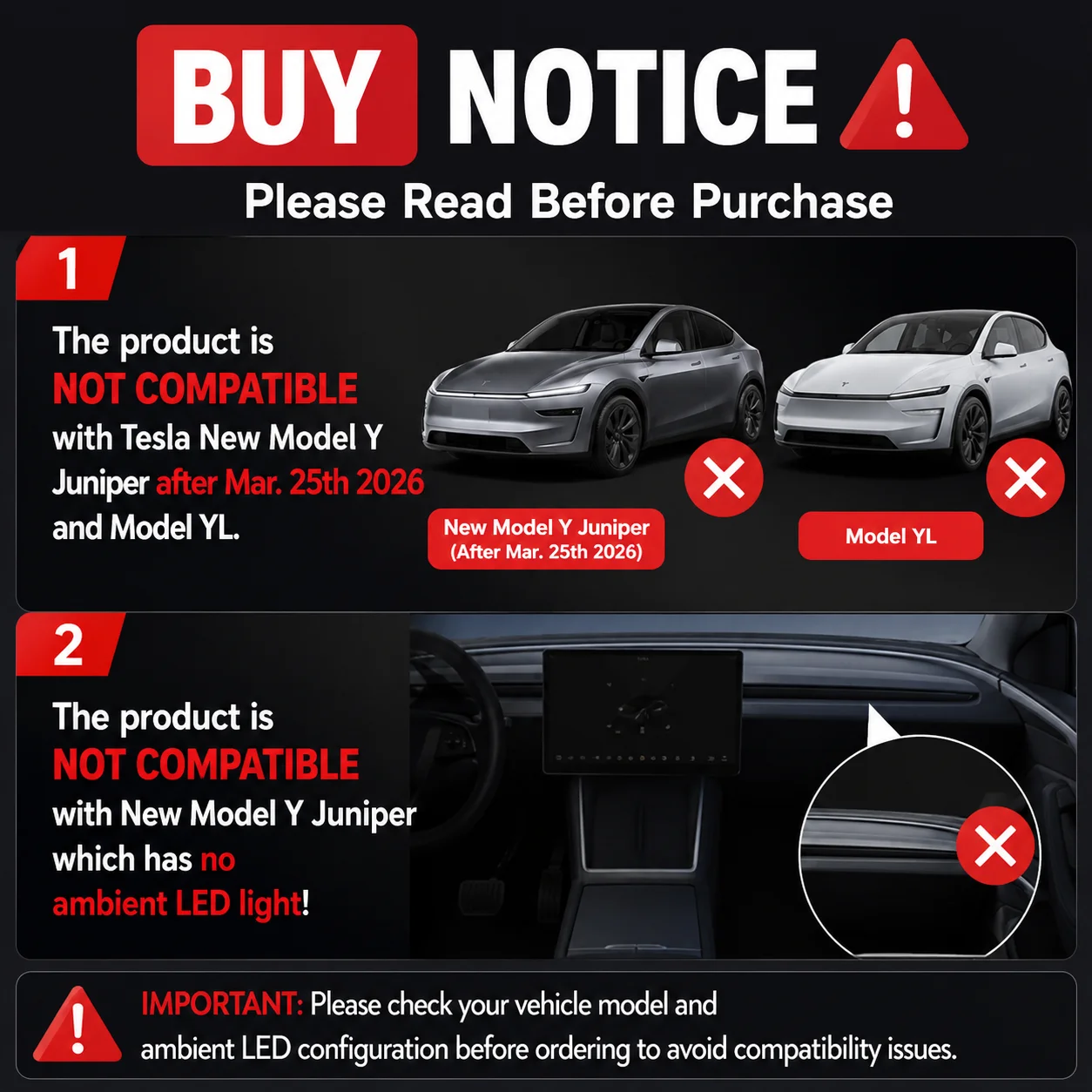
BUY NOTICE:
1: the Product is not compatiable with Tesla New Model Y Juniper after Mar. 25th 2026 and Model YL
2: the product is not compatiable with New Model Y juniper which has no ambient led light !
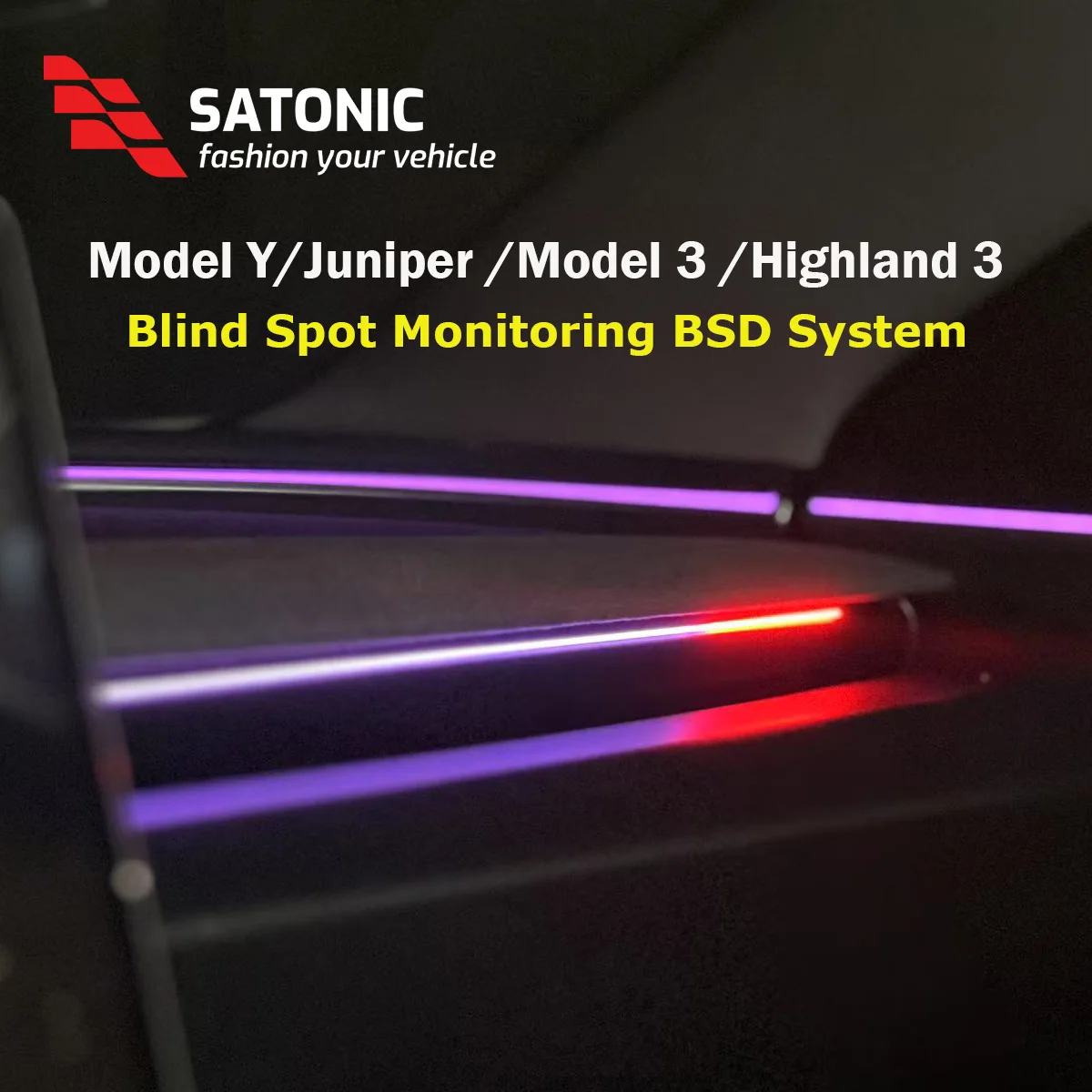
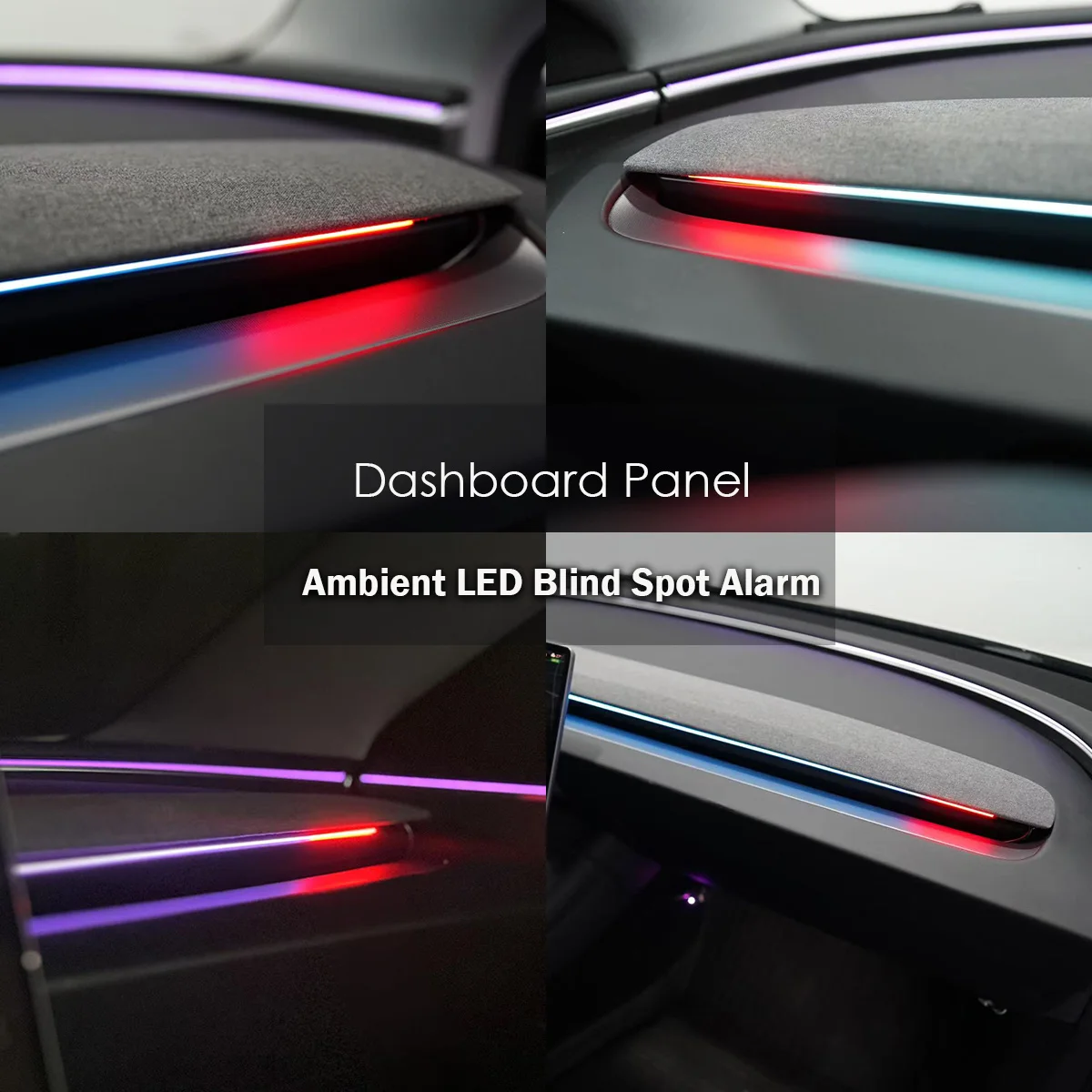
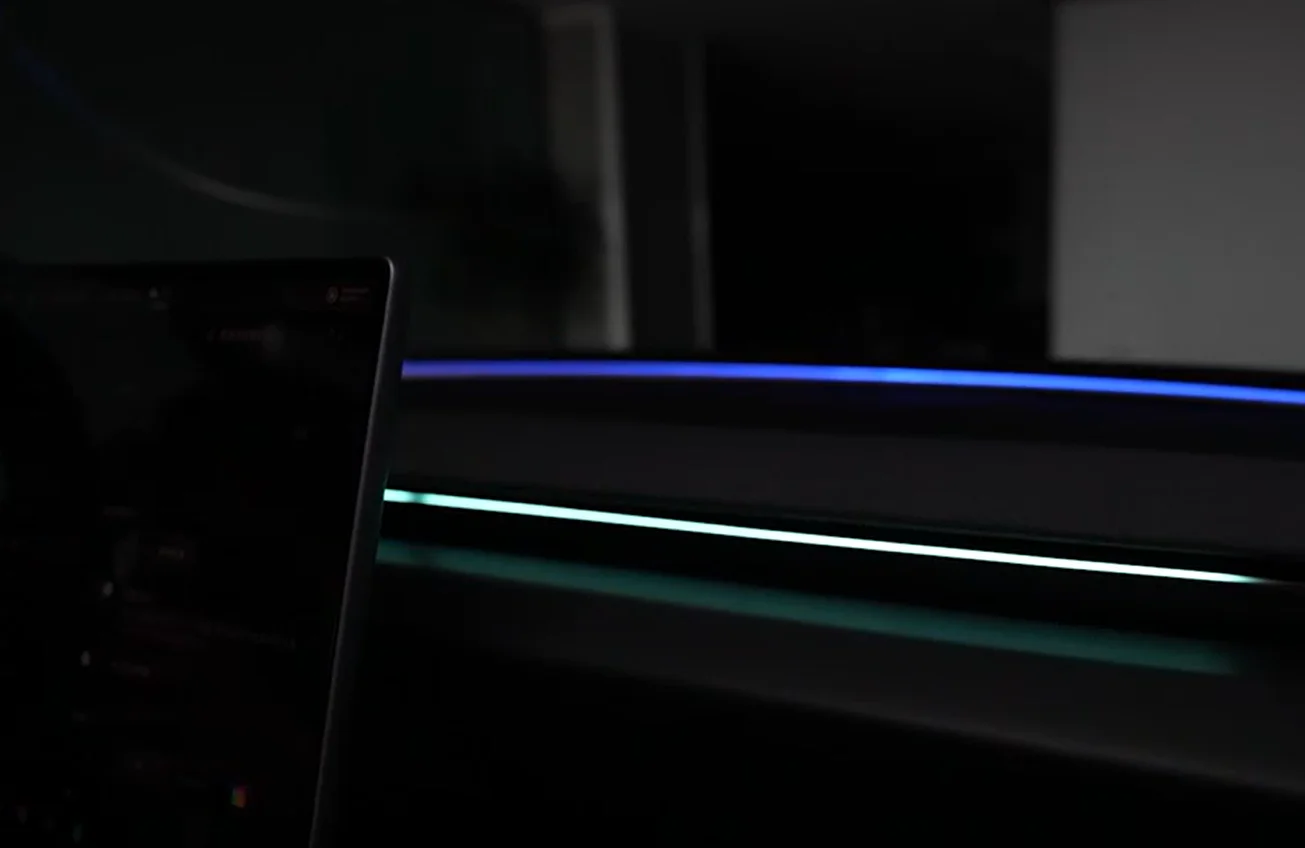
BSD alarm with Ambient light , More clear
SATONIC BSD alarm with qualified ambient lighting for clearer, more visible alerts—safer and easier to notice while driving
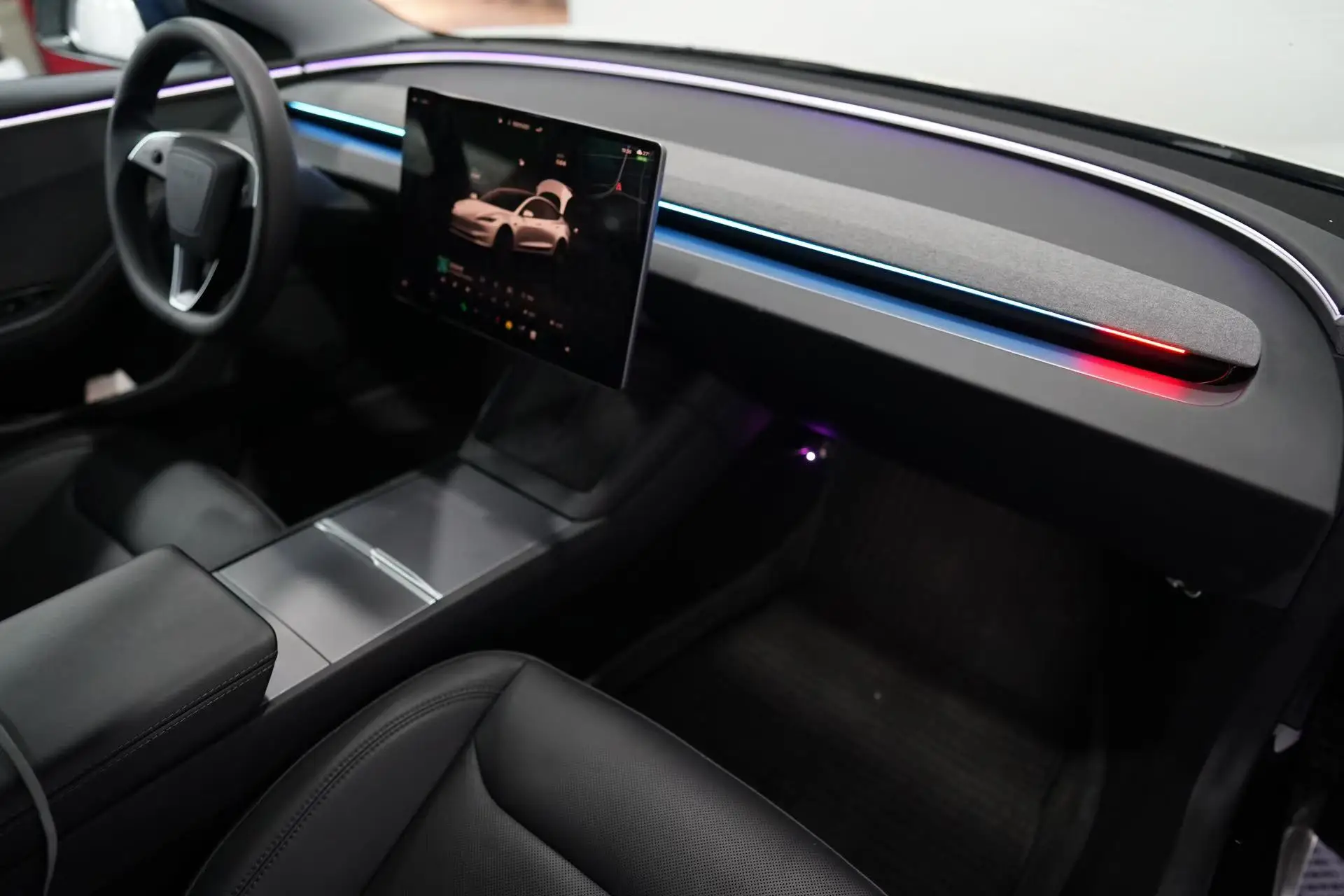
Turning & Alarm Distance Display for Safer Driving
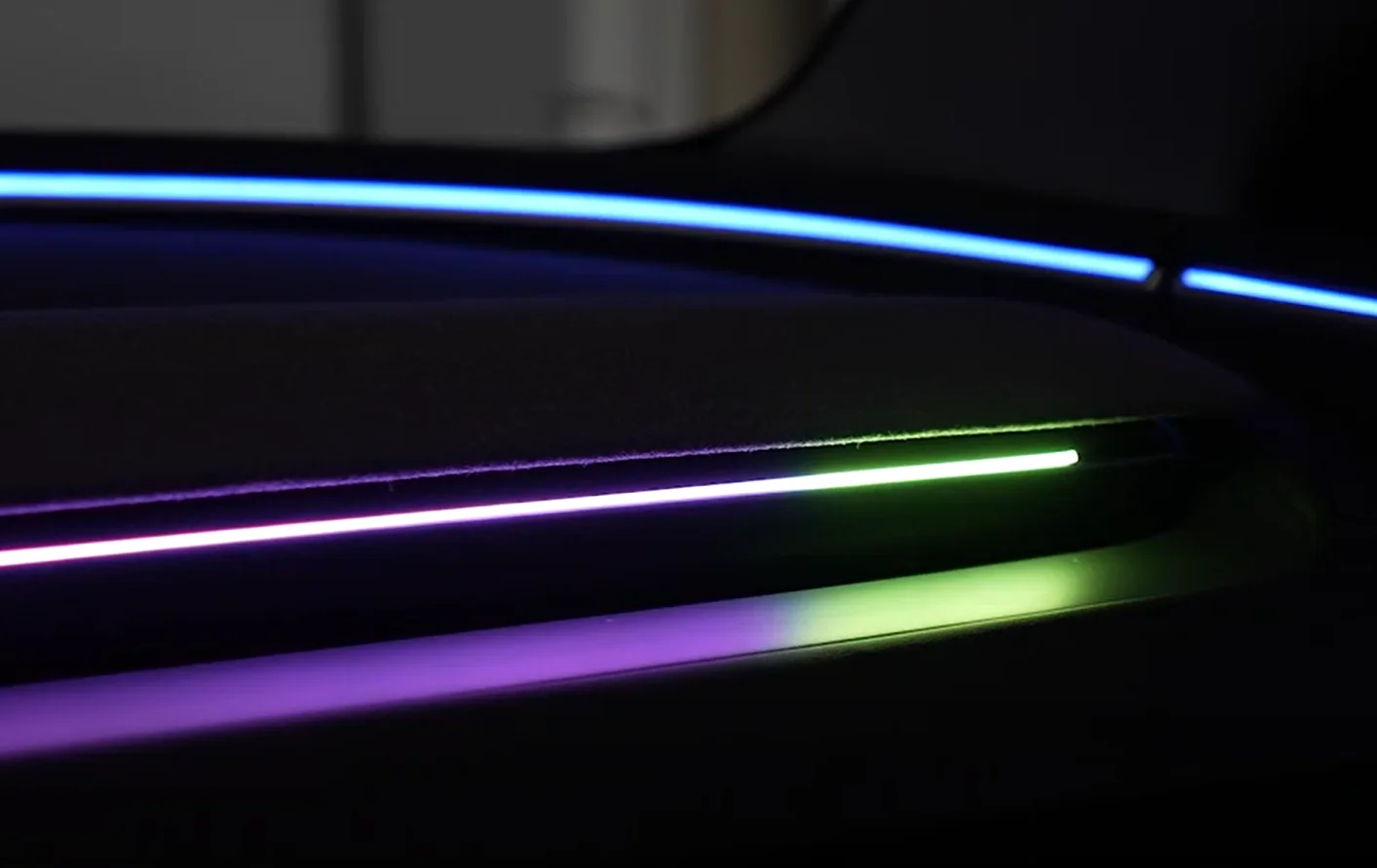
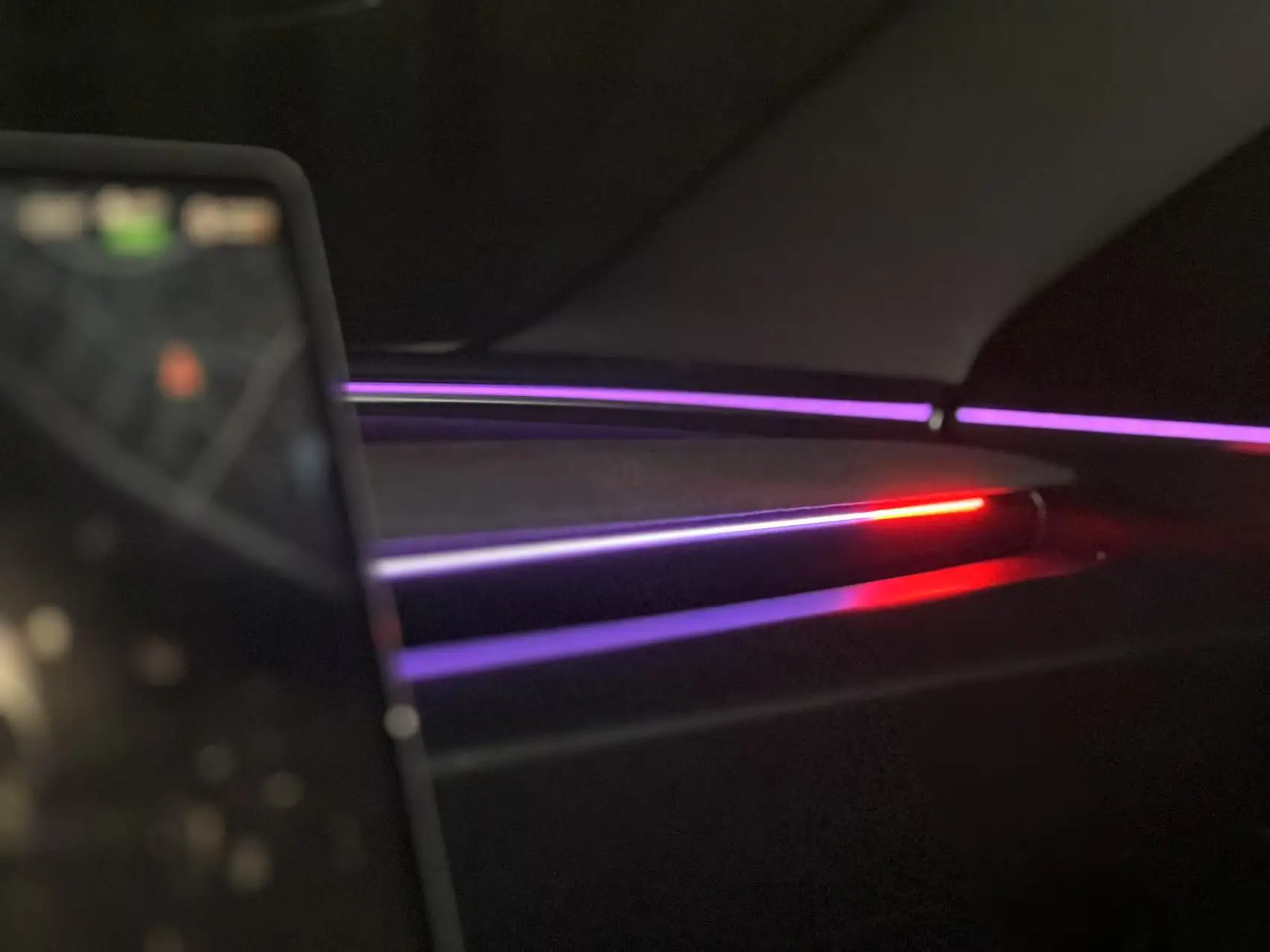
When turning, the LED light on the corresponding side will flash yellow as a reminder if the turn signal stalk is not activated.
If you activate the turn signal stalk, the LED light will flash red as a warning alert.
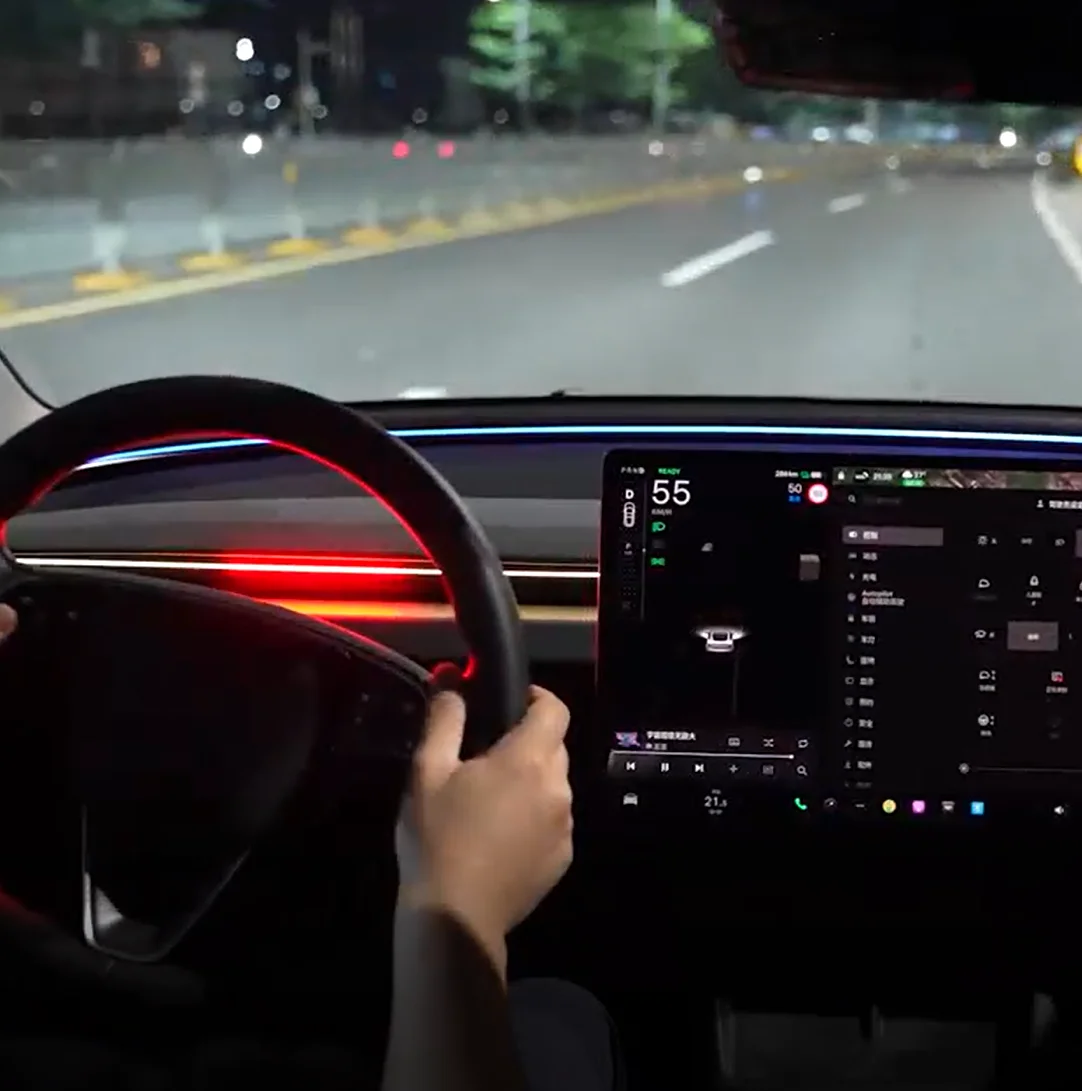
Over speed alarm
If you drive over the speed limit, the light in front of the driver flashes red as an alarm. It shows real-time speed and follows your car’s movement for instant alerts
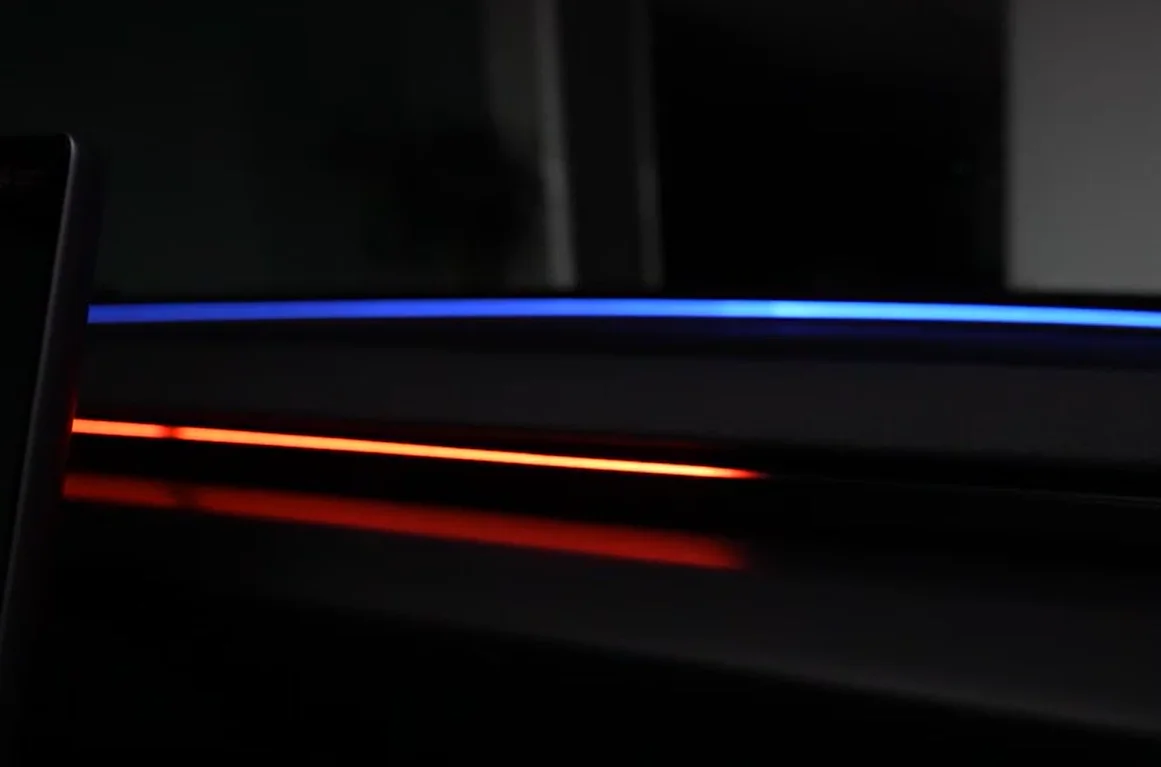
Welcome Light Display for Your Vehicle– Stylish Entry Illumination
When the door opens, the welcome light slides from the driver’s side to the left, creating a smooth entry effect. The light settings can be adjusted through the steering wheel
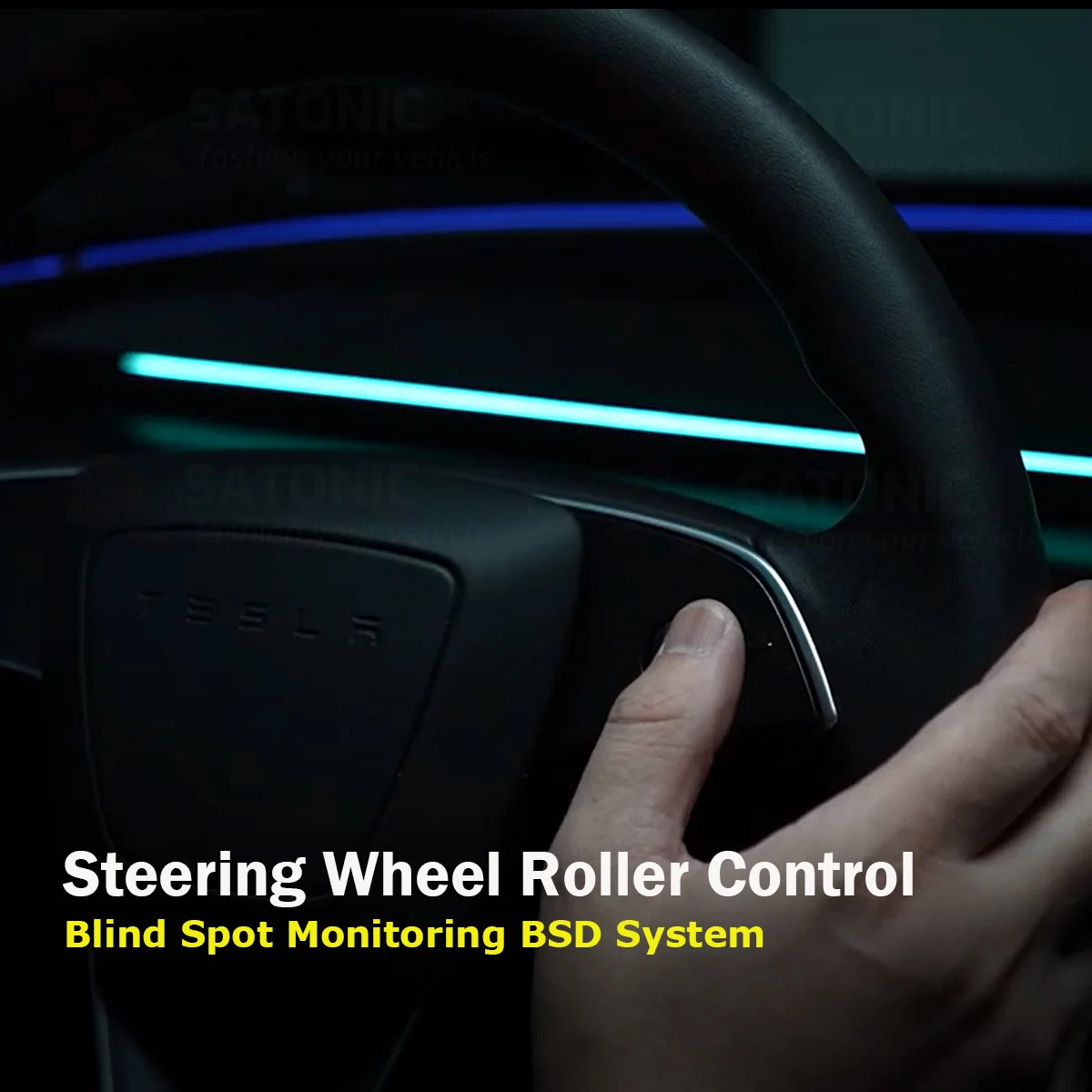
Steering wheel control the ambient light colors
Easily customize your LED light display using the steering wheel roller—adjust colors instantly for a personalized driving experience
Functions introductions
1. Brighteen and LED color adjustment
For Model 3 Highland & New Model Y Juniper:
You can adjust the LED color and brightness through the Ambient Lighting button on the vehicle’s main screen.
For Model 3 & Model Y (Previous Generations):
The LED brightness is synchronized with the vehicle screen brightness. When you adjust the screen brightness, the BSD LED light brightness will be adjusted automatically at the same time.
To change the LED color:
Press and hold the right scroll wheel to the right side for 3 seconds continuously.
The system will enter LED color adjustment mode.
Scroll the wheel to select your preferred LED color.
The system will automatically exit color adjustment mode if there is no operation for 5 seconds.
2. There are 3 Modes can be exchanged
Press and hold the left steering wheel scroll wheel to the left for 2 seconds to enter mode selection.
Press the scroll wheel to the right once to switch between modes.
(The system will automatically exit the mode selection if there is no operation within 5 seconds.)
1) Vehicle Mode:
The entire dashboard LED light will illuminate. The LED color can be adjusted according to your preference.
2) Oil Mode:
The middle section will display a red light. When you press the accelerator, the red light will gradually extend from the center toward both sides.
3) Breathing Mode:
The LED light will automatically change colors with a breathing effect. When you activate the turn signal stalk, the corresponding side will display a green light.
3. Exchange between RHD & LHD
SATONIC V2 BSD alarm can be exchange between RHD and LHD
Factory setting is LHD, if you need to set into RHD, Press and hold the left scroll wheel down, then press the right scroll wheel to the left to switch to right-hand steering.
4. Exchange between RHD & LHD
SATONIC V2 BSD alarm can be exchange between RHD and LHD
Factory setting is LHD, if you need to set into RHD, Press and hold the left scroll wheel down, then press the right scroll wheel to the left to switch to right-hand steering.
5. Overspeed display exchange on and off
The speeding alert is disabled by default. To enable or disable it, press and hold the left scroll wheel while clicking the right scroll wheel to the right.
Why buy from Tech Parts
- Fitment-checked, plug & play installation, no guesswork
- Free worldwide shipping on orders over $55.99
- 30-day easy returns · 12-month warranty
- Need help? support@techparts.store · WhatsApp +86 134-2894-7672