

HISPEEDIDO Pre-Laminated IPS 3.0 inch V5 Real Drop in Screen For GBA SP LCD Replacement Kits Build in OSD Menu Easy to Install
White LCD kit
Sale price
$133.95
Regular price
$180.95
Skip to product information


HISPEEDIDO Pre-Laminated IPS 3.0 inch V5 Real Drop in Screen For GBA SP LCD Replacement Kits Build in OSD Menu Easy to Install
Sale price
$133.95
Regular price
$180.95
It is only a LCD kit. The console is not included.
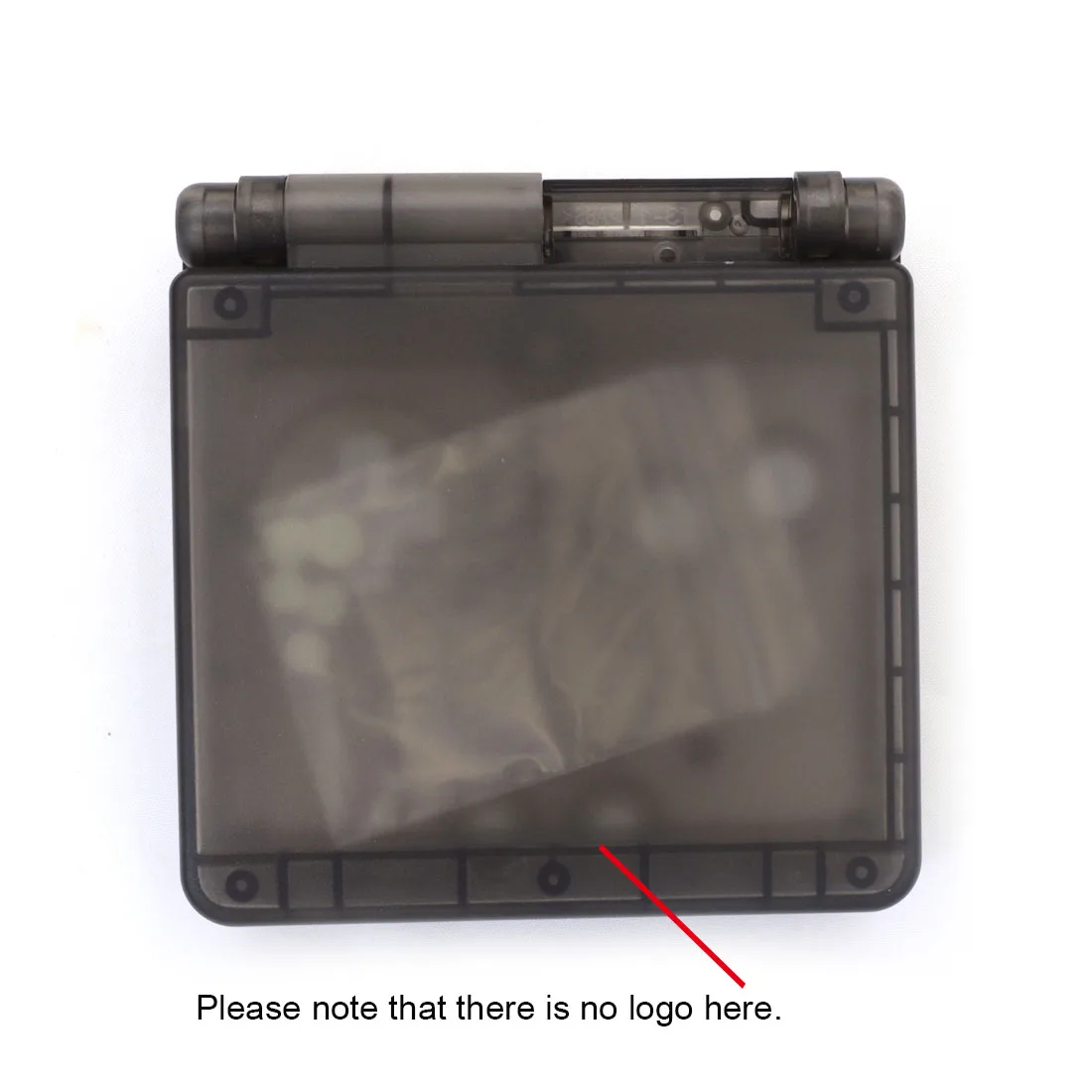
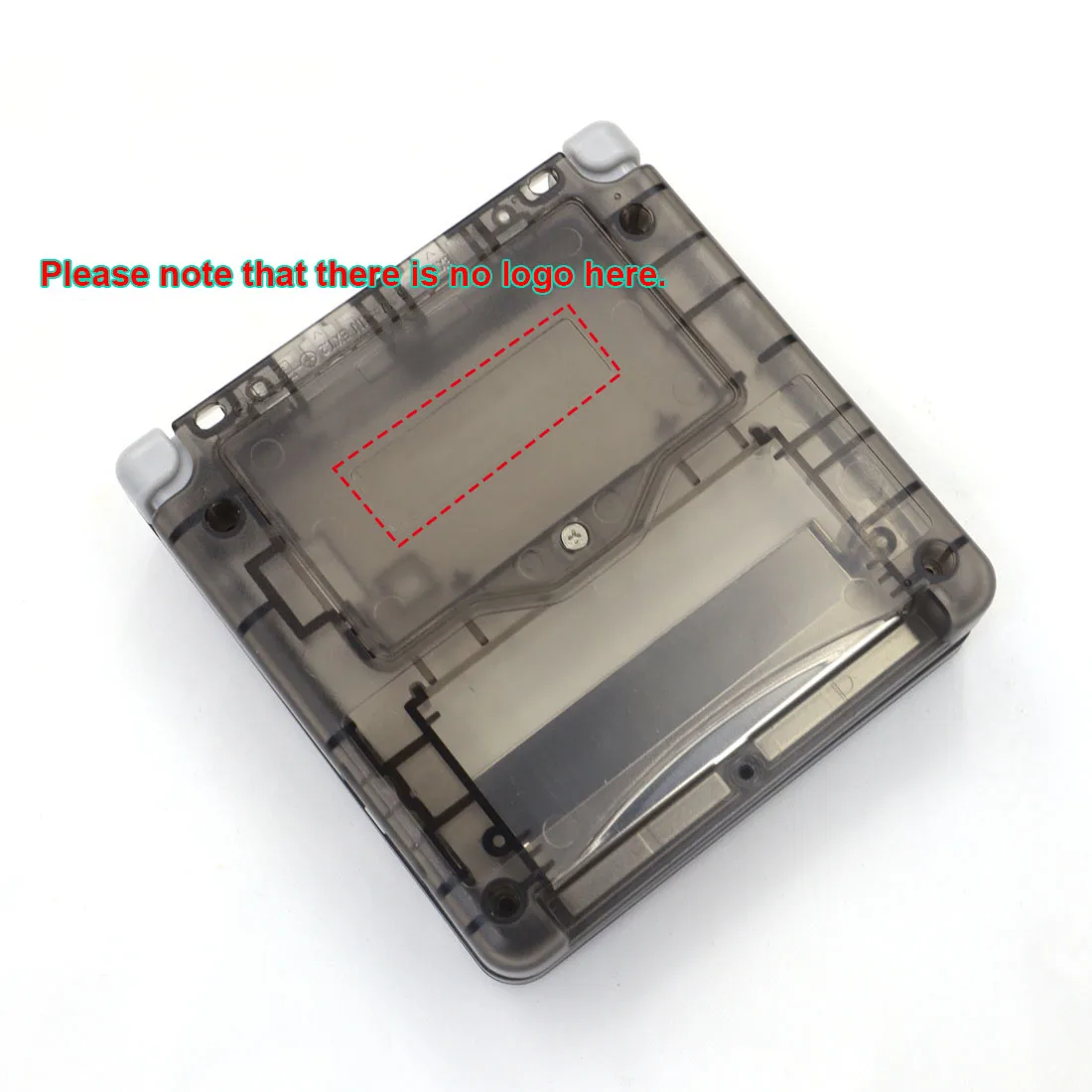
***Notes: The housing shell don't have the original Brand Trademark.***
720x480 display resolution. HD IPS LCD. 9 pixels to 1 pixel. Much better than 640*480 of other suppilers, No picture distort.
Product Description:
1. 720x480 display resolution. HD IPS LCD. 9 pixels to 1 pixel. Much better than 640*480 of other suppilers, No picture distort.
2. Wide View angle up to 178 degree.
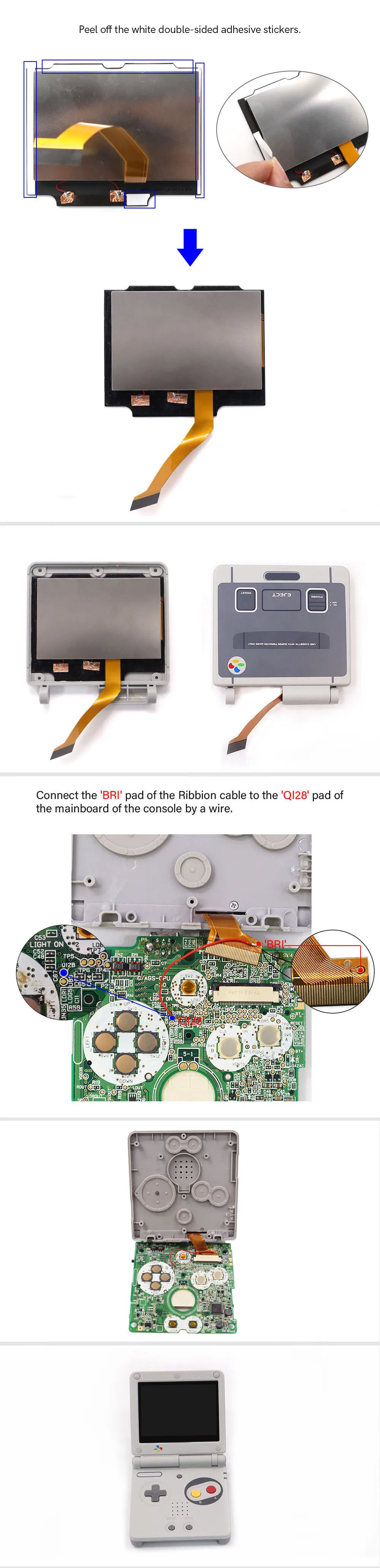
3. Real Drop in IPS LCD for GBA SP. No need to cutting the shell case. Easy to install. The backlight PCB was embeded into the metal frame.
4. Same display size as the original LCD screen.
5. Built-in OSD Menu!
6. Retro pixel Effects: Normal, Retro pixel, Scanline 1, Scanline 2.
7. 15 brightness levels.
8. 8 color modes.
9. Touch Screen to change the brightness and the color modes.
10. Laminated Glass Screen
*You need weld 1 red wire to control the OSD Menu
The 'Brightness' button can activate the OSD Menu after welding.
New firmware has added the following function:
1. Add Desaturation function!
Adjust the desaturation to make the picture more like the original GBA. Desaturation from 0 to 20. Desaturation=20 is normal color. Desaturation=0 is black & white.
2. Add 'Touch Shourtcut ON/OFF' function!
Set 'Touch Shourtcut' OFF to avoid auto cycling colour modes.
Menu Operation:
Short press the 'Brightness' button to change the brightness.
Press the 'Brightness' button 5 seconds to activate the OSD Menu.
Long press the button to select the adjustment item when OSD Menu activated.
Short press the button to adjust the item when OSD Menu activated.
Multi color screen lens link for your choice :
Packing including :
1x IPS LCD, 2x Screwdrivers, 1x red wire.
Or:
1x IPS LCD, 2x Screwdrivers, 1x red wire, . 1x Shell case, 1 set buttons, 1 set Rubber Pad, 1x Sticker label,1 set screws.
( ***Notes: The housing shell don't have the original Brand Trademark.***)
Why buy from Tech Parts
- Fitment-checked, plug & play installation, no guesswork
- Free worldwide shipping on orders over $55.99
- 30-day easy returns · 12-month warranty
- Need help? support@techparts.store · WhatsApp +86 134-2894-7672